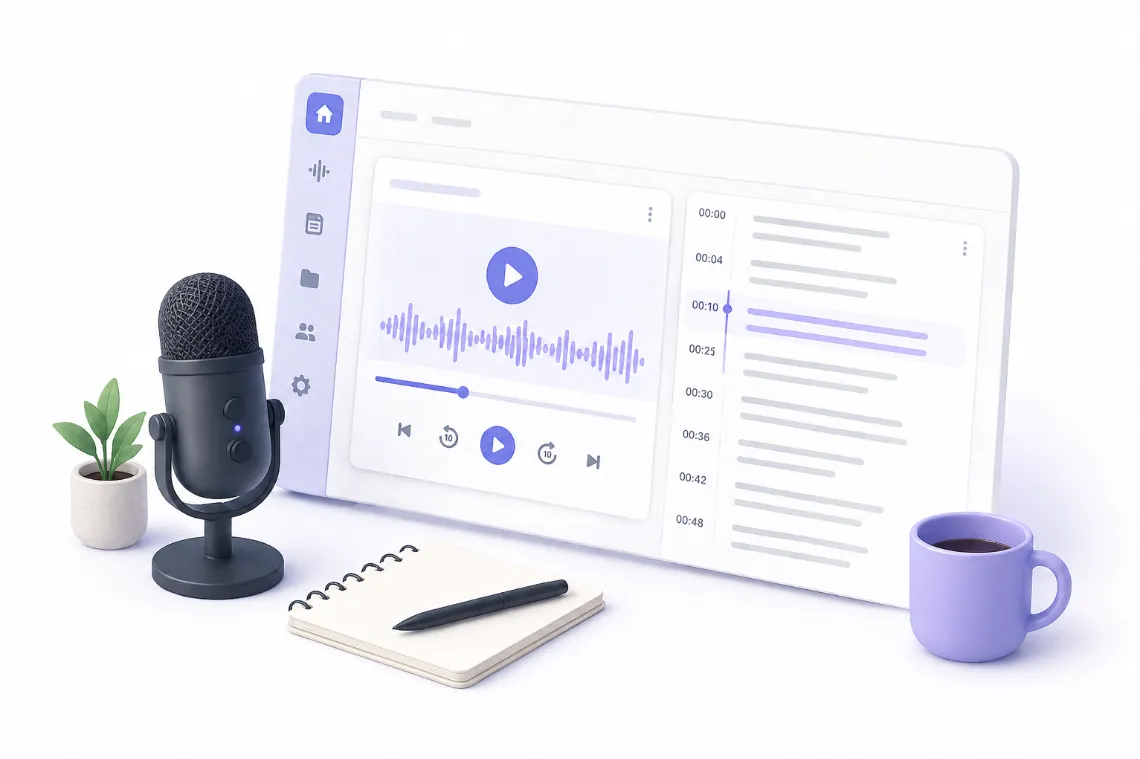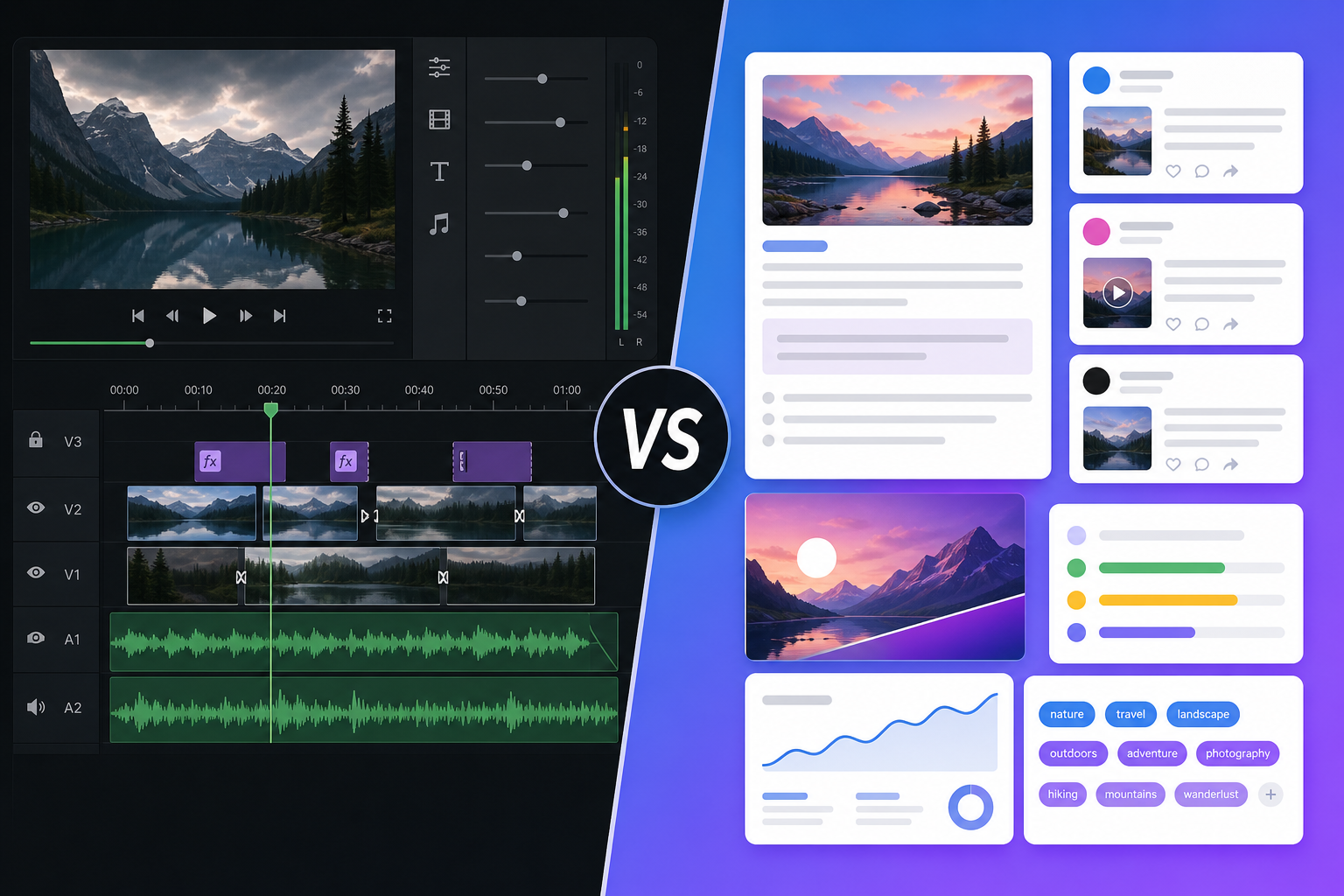
Descript is a transcript-based video editor. Pixelion is a content engine that turns video into blog posts, social content, and SEO assets. Different tools, different goals.
Descript and Pixelion both work with video and transcription, but they solve completely different problems. Descript is a video editor that uses transcripts as its editing interface. Pixelion is a content engine that uses transcripts as its raw material for written assets.
If you want to edit your video — cut clips, remove filler words, add captions — that’s Descript. If you want to turn your video into blog posts, social content, YouTube SEO, and thumbnails without touching an editor, that’s Pixelion.
What Each Tool Does
Pixelion
Pixelion transforms video and audio into publish-ready written content. Upload a file, get a transcript, then generate 10+ content types from it — all without manual writing or video editing.
Core outputs: - Accurate timestamped transcripts (90+ languages) - Blog posts generated from video content - Social media posts (Twitter, LinkedIn, Instagram, TikTok, Facebook) - YouTube chapters and timestamps - Video SEO (titles, descriptions, tags) - AI-generated photorealistic thumbnails - Summaries (quick and detailed with timestamps) - Translation (50+ languages) - Subtitle export (SRT, VTT) - Quote cards, show notes, X threads
Descript
Descript is a text-based video and podcast editor. The core innovation: edit your video by editing the transcript text. Delete a sentence from the transcript, and the corresponding video segment is cut.
Core outputs: - Edited video/audio (text-based editing) - Short clips extracted from longer content - Screen recordings - Dynamic captions and subtitles - AI voice clones and speech regeneration - Studio Sound (audio enhancement) - Green screen removal - Eye contact correction - Translated/dubbed video (30+ languages) - YouTube descriptions and show notes
Key Differences
| Feature | Pixelion | Descript |
|---|---|---|
| Primary purpose | Video → written content | Video → edited video |
| Output | Text assets (blog, social, SEO) | Video/audio files |
| Video editing | No | Yes (text-based) |
| Blog post generation | Yes | No |
| Social media posts | Yes (5 platforms) | No |
| Video SEO metadata | Yes (titles, descriptions, tags) | YouTube descriptions only |
| AI thumbnails | Yes (photorealistic, gpt-image-2) | No |
| YouTube chapters | Yes | No |
| Quote cards | Yes | No |
| Show notes | Yes | Yes |
| X threads | Yes | No |
| Clip creation | No | Yes |
| Filler word removal | No | Yes (from video) |
| Audio enhancement | No | Yes (Studio Sound) |
| AI voice clone | No | Yes |
| Captions on video | No | Yes (dynamic/animated) |
| Green screen | No | Yes (AI-powered) |
| Screen recording | No | Yes |
| Desktop app required | No (browser-based) | Yes |
| Transcription | Yes | Yes |
| Subtitle export | Yes (SRT, VTT) | Yes (SRT, VTT) |
| Translation | 50+ languages (text) | 30+ languages (video dub) |
Pricing Comparison
| Pixelion Free | Pixelion Pro | Descript Free | Descript Creator | |
|---|---|---|---|---|
| Price | $0 | $19.99/mo | $0 | $24/mo (annual) |
| File limit | 30 min | 120 min | 60 min/mo | 30 hrs/mo |
| Video editing | No | No | Yes (720p, watermark) | Yes (4K) |
| AI content tools | Basic summaries + 4 thumbnails | All (blog, social, SEO, etc.) | Limited AI | Full AI suite |
| AI credits | — | Unlimited | 100 (one-time) | 800/mo |
| Desktop app | Not needed | Not needed | Required | Required |
| Storage | 7 days | 365 days | 5 GB | 1 TB |
| Export | Text formats | Text formats | Video 720p | Video 4K |
Descript’s Creator plan ($24/month annual) is the minimum usable tier — the free plan watermarks exports and limits you to 720p. Pixelion Pro at $19.99/month gives unlimited AI content generation with no credit system.
When to Choose Pixelion
Choose Pixelion if you:
- Need written content from video — blog posts, social captions, SEO metadata, show notes
- Don’t want to edit video — you just want what comes after the edit
- Want AI thumbnails without opening a design tool
- Publish across platforms and need platform-specific social content from one video
- Prefer browser-based tools — no desktop app installation
- Want predictable pricing — no AI credit system, no per-minute counting
Pixelion is for creators who have finished their video and need the written content that surrounds it: the blog post, the social announcement, the YouTube description, the thumbnail.
When to Choose Descript
Choose Descript if you:
- Need to edit video or audio — cut, trim, rearrange, polish
- Create short clips from longer recordings for social media
- Want better audio — Studio Sound, filler word removal, noise reduction
- Need screen recordings for tutorials or demos
- Want animated captions burned into your video
- Work with a team on video editing projects
- Need AI voice — clone your voice, fix mispronunciations
Descript is for creators whose bottleneck is the video edit itself. It makes editing faster by letting you work with text instead of a timeline.
Can You Use Both?
Absolutely — they handle different stages of the content workflow:
- Descript to edit your raw recording into a polished video (cut mistakes, enhance audio, add captions, create clips)
- Pixelion to turn that finished video into all the written assets you need to publish and promote it (blog post, social content, SEO, thumbnails)
Descript produces your final video. Pixelion produces everything that goes around it.
The Fundamental Difference
Descript asks: “How do I make this video better?”
Pixelion asks: “What content can I publish from this video?”
One is a video production tool. The other is a content production tool. They start from the same input (a video file) but produce entirely different outputs: Descript gives you a better video, Pixelion gives you a content library.
If you need to edit video, Descript has no equal in its text-based approach. If you need written content from video without touching an editor, that’s Pixelion’s entire purpose.
Ready to turn your next video into publish-ready content? Try Pixelion free — no credit card required.