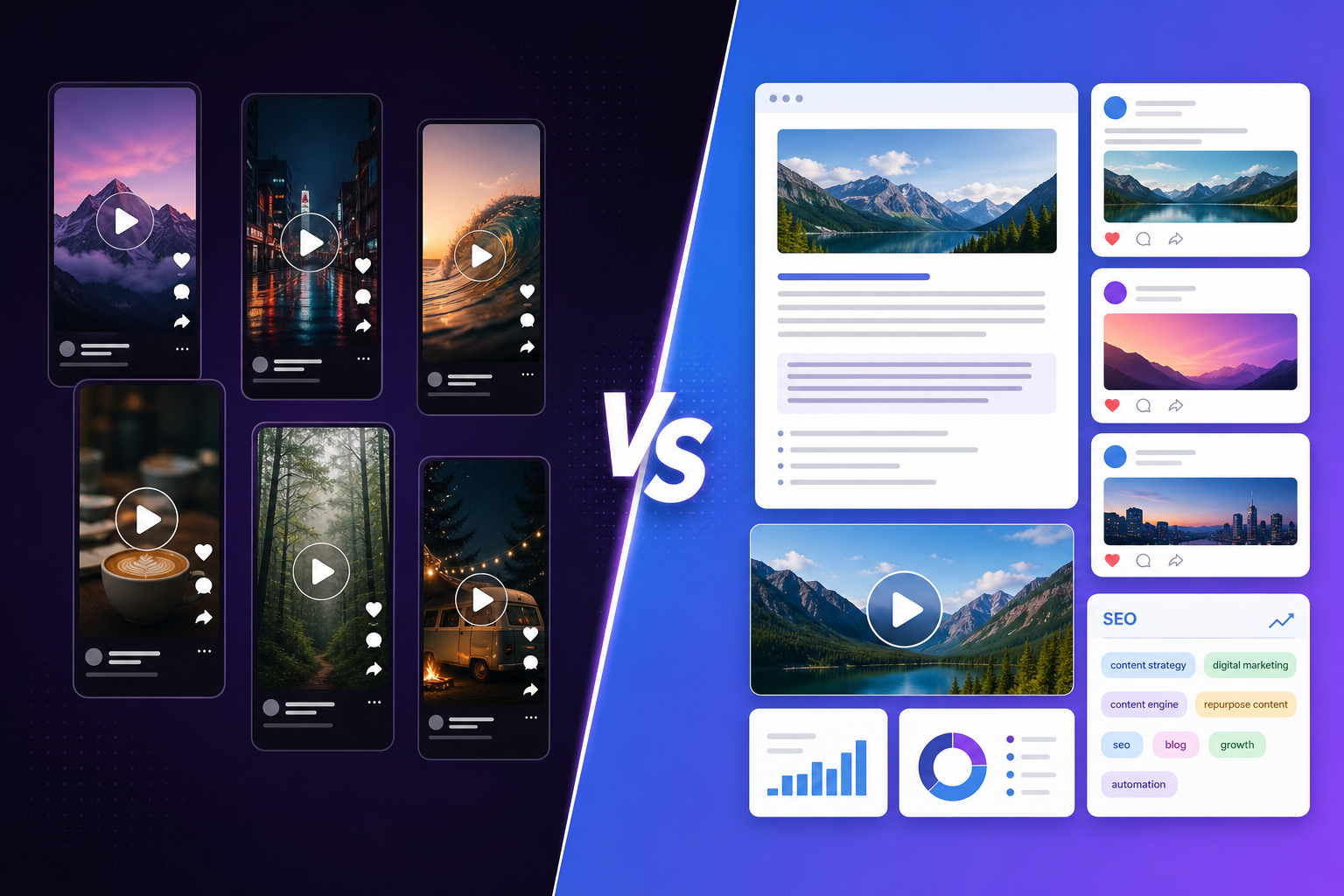
OpusClip turns long videos into short clips. Pixelion turns video into written content: blog posts, social captions, chapters, and SEO metadata. Here is how they differ.
OpusClip and Pixelion both take a long-form video as input. But their outputs couldn’t be more different. OpusClip gives you short video clips for TikTok and Reels. Pixelion gives you blog posts, social captions, YouTube SEO, thumbnails, and more — all in text form.
One repurposes your video into shorter video. The other repurposes your video into written content.
What Each Tool Does
Pixelion
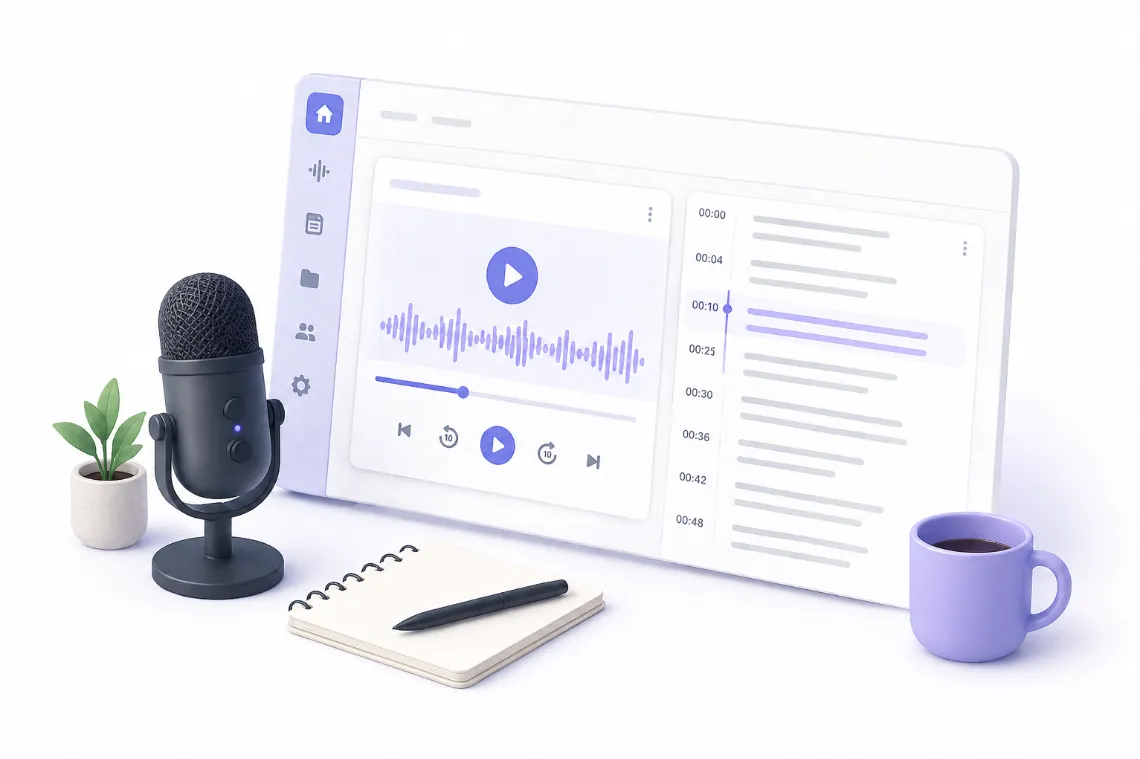
Pixelion is a video-to-content engine. Upload a video, get a transcript, then generate 10+ types of written content from it. No video editing. No clips. Just publish-ready text, metadata, and images.
Core outputs: - Accurate timestamped transcripts (90+ languages) - Blog posts generated from video content - Social media posts (Twitter, LinkedIn, Instagram, TikTok, Facebook) - YouTube chapters and timestamps - Video SEO (titles, descriptions, tags) - AI-generated photorealistic thumbnails - Summaries (quick and detailed with timestamps) - Translation (50+ languages) - Subtitle export (SRT, VTT) - Quote cards, show notes, X threads
OpusClip
OpusClip is an AI video clipper. It analyzes long-form video (podcasts, interviews, YouTube videos), identifies the strongest moments, and generates short vertical clips with auto-captions and reframing — ready for TikTok, Instagram Reels, and YouTube Shorts.
Core outputs: - Short video clips (15-90 seconds) from long-form content - AI-scored “virality” ranking for each clip - Auto-generated captions (animated) - Vertical reframing (9:16) from horizontal video - AI B-roll insertion - Multi-platform scheduling - Brand templates and custom styles
Key Differences
| Feature | Pixelion | OpusClip |
|---|---|---|
| Primary purpose | Video → written content | Video → short video clips |
| Output format | Text, images | Video files |
| Blog post generation | Yes | No |
| Social media posts (text) | Yes (5 platforms) | No |
| Video SEO metadata | Yes (titles, descriptions, tags) | No |
| AI thumbnails | Yes (photorealistic) | No |
| YouTube chapters | Yes | No |
| Quote cards | Yes | No |
| Show notes | Yes | No |
| Video clip creation | No | Yes |
| Virality scoring | No | Yes |
| Auto-captions on video | No | Yes (animated) |
| Vertical reframing | No | Yes |
| AI B-roll | No | Yes |
| Social scheduling | No | Yes |
| Desktop app | No (browser-based) | No (browser-based) |
| Transcription | Yes (full, exportable) | Yes (for clipping, not exportable) |
| Translation | 50+ languages (text) | Captions only |
Pricing Comparison
| Pixelion Free | Pixelion Pro | OpusClip Free | OpusClip Pro | |
|---|---|---|---|---|
| Price | $0 | $19.99/mo | $0 | $29/mo |
| Processing | 30 min/file | 120 min/file | 60 credits/mo | 300 credits/mo |
| Watermark | No | No | Yes | No |
| AI content tools | Basic summaries + 4 thumbnails | All (blog, social, SEO, etc.) | Basic clipping | Full AI clipping + B-roll |
| Export quality | N/A (text) | N/A (text) | 720p (watermarked) | 1080p |
| Storage | 7 days | 365 days | 3 days (free) | Unlimited |
| Credit system | No | No | Yes (per-minute) | Yes (per-minute) |
OpusClip’s credit system means you pay per minute of video processed. At $29/month (Pro), you get 300 credits — roughly 300 minutes of input video. Pixelion charges a flat monthly rate with no per-minute counting.
When to Choose Pixelion
Choose Pixelion if you:
- Need written content — blog posts, social captions, descriptions, show notes
- Want SEO assets — titles, tags, descriptions optimized for search
- Need thumbnails — AI-generated, no design skills required
- Don’t need video clips — your repurposing strategy is text-based
- Publish blog content alongside your videos
- Want flat pricing — no per-output credits and no overage charges (1,200 min/month on Pro)
Pixelion is for creators who need the written layer around their video: the blog post that embeds it, the social caption that promotes it, the SEO metadata that helps people find it.
When to Choose OpusClip
Choose OpusClip if you:
- Need short-form video clips from long recordings
- Post on TikTok, Reels, or Shorts regularly
- Want AI to pick the best moments from a long video
- Need vertical video reformatted from horizontal
- Want captions burned into clips with animated styling
- Schedule posts directly from the clipping tool
OpusClip is for creators whose repurposing strategy is video-to-video: take one long video and turn it into a week’s worth of short clips.
Can You Use Both?
Yes — they don’t overlap at all:
- OpusClip to generate short clips from your video for TikTok, Reels, and Shorts
- Pixelion to generate blog posts, social captions, thumbnails, and SEO metadata from the same video
OpusClip handles the video repurposing. Pixelion handles the content repurposing. Together, one long-form video becomes both a library of short clips and a library of written content.
The Fundamental Difference
OpusClip answers: “What are the best short clips in this video?”
Pixelion answers: “What written content can I publish from this video?”
They’re not competing tools — they serve different content strategies. If you only post video clips, OpusClip is all you need. If you only need written content, Pixelion is all you need. If you do both, they work together without any overlap.
Ready to turn your next video into publish-ready content? Try Pixelion free — no credit card required.