TurboScribe offers unlimited transcription. Pixelion goes further with AI blog posts, social content, YouTube chapters, and SEO metadata. See how they compare.
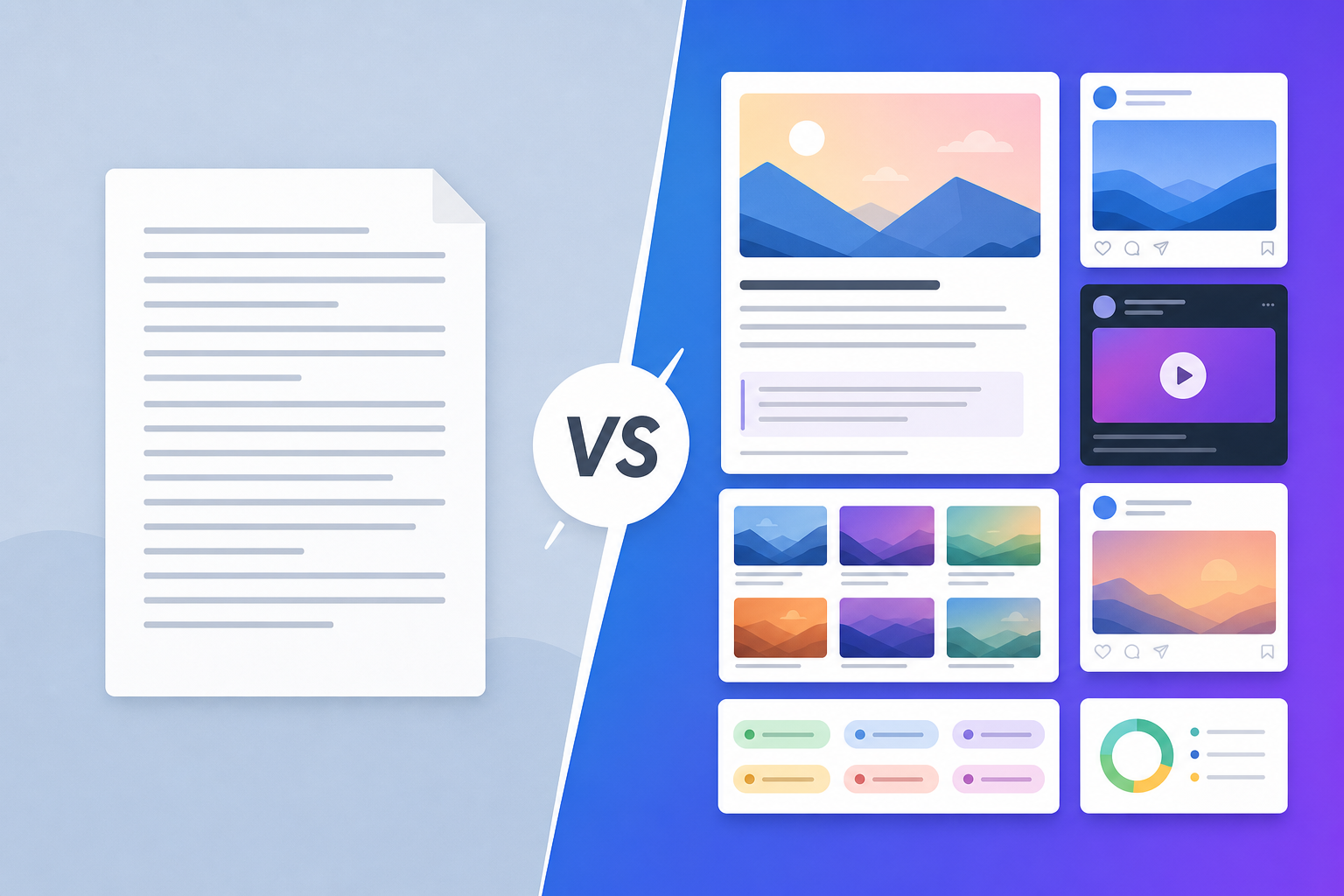
TurboScribe and Pixelion both start with the same input: an audio or video file. But they end in very different places. TurboScribe gives you a transcript. Pixelion gives you a transcript, a blog post, social media content, YouTube chapters, SEO metadata, thumbnails, and more.
This isn’t really a “which is better” comparison. It’s a question of what you need: raw transcription at volume, or a full content pipeline from a single upload.
What Each Tool Does
Pixelion
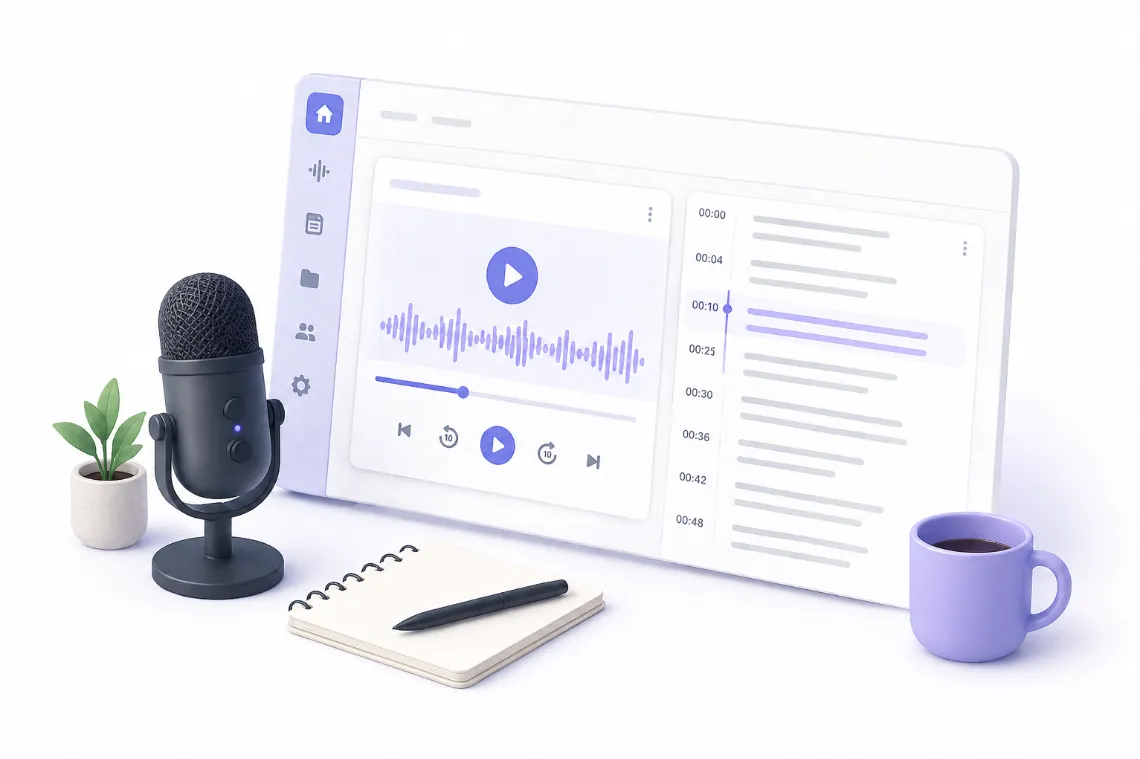
Pixelion is a video-to-content engine. Upload a video or audio file, get an accurate transcript, then transform that transcript into publish-ready content. No manual writing, no video editing.
Core outputs: - Accurate timestamped transcripts (90+ languages) - Blog posts generated from video content - Social media posts (Twitter, LinkedIn, Instagram, TikTok, Facebook) - YouTube chapters and timestamps - Video SEO (titles, descriptions, tags) - AI-generated photorealistic thumbnails - Summaries (quick and detailed with timestamps) - Translation (50+ languages) - Subtitle export (SRT, VTT) - Quote cards, show notes, X threads
TurboScribe
TurboScribe is a dedicated transcription service. Upload audio or video, get a text transcript. It’s focused on doing one thing extremely well: fast, accurate speech-to-text at scale.
Core outputs: - Text transcripts (98+ languages) - Speaker recognition (meeting/interview diarization) - Translation to 134+ languages - Subtitle/caption export (SRT, VTT) - Bulk file processing (50 files at once) - Audio restoration (noise removal)
Key Differences
| Feature | Pixelion | TurboScribe |
|---|---|---|
| Primary purpose | Video → content suite | Audio/video → transcript |
| Blog post generation | Yes | No |
| Social media posts | Yes (5 platforms) | No |
| Video SEO metadata | Yes (titles, descriptions, tags) | No |
| AI thumbnails | Yes (photorealistic, gpt-image-2) | No |
| YouTube chapters | Yes | No |
| Quote cards | Yes | No |
| Show notes | Yes | No |
| X threads | Yes | No |
| Speaker recognition | No | Yes |
| Bulk upload (50 files) | No (5 concurrent) | Yes |
| Max file length | 120 min (Pro) | 10 hours |
| Audio restoration | No | Yes |
| Transcription accuracy | High (Whisper-based) | High (Whisper-based) |
| Subtitle export | Yes (SRT, VTT) | Yes (SRT, VTT, DOCX, PDF) |
| Translation | 50+ languages | 134+ languages |
| Content from transcript | 10+ content types | None |
Pricing Comparison
| Pixelion Free | Pixelion Pro | TurboScribe Free | TurboScribe Unlimited | |
|---|---|---|---|---|
| Price | $0 | $19.99/mo | $0 | $10/mo (yearly) / $20/mo |
| File limit | 30 min | 120 min | 30 min | 10 hours |
| Daily/monthly cap | None | None | 3 files/day | Unlimited |
| Concurrent uploads | 1 | 5 | 1 | 50 |
| AI content tools | Basic summaries + 4 thumbnails | All (blog, social, SEO, etc.) | None | None |
| Speaker recognition | No | No | Yes (limited) | Yes |
| Pricing model | Two tiers | Two tiers | Two tiers | Two tiers |
TurboScribe is cheaper for pure transcription volume — $10/month (yearly) gets you unlimited files up to 10 hours each. That’s hard to beat if all you need is text output.
Pixelion costs more at $19.99/month, but you’re not just paying for a transcript. You’re getting the entire content pipeline that comes after it: blog posts, social content, thumbnails, chapters, SEO metadata. Work that would otherwise take hours of writing.
When to Choose Pixelion
Choose Pixelion if you:
- Need content, not just a transcript — blog posts, social captions, YouTube descriptions, thumbnails
- Create YouTube videos and want AI-generated titles, chapters, tags, and SEO metadata
- Want thumbnails generated from your video content (no design skills needed)
- Produce podcasts and need show notes, quote cards, and blog posts from episodes
- Post on social media and want platform-specific content from a single recording
- Value simplicity — one upload produces 10+ ready-to-publish assets
Pixelion is for creators whose bottleneck isn’t the transcript itself — it’s everything they need to write after the transcript exists.
When to Choose TurboScribe
Choose TurboScribe if you:
- Need transcription at massive scale — hundreds of hours per month, long files (up to 10 hours)
- Process interviews or meetings with speaker recognition
- Work in many languages and need translation to 134+ languages
- Upload in bulk — 50 files at a time with priority processing
- Have files with poor audio and need built-in noise restoration
- Only need the text — no blog posts, no social content, no SEO tools
TurboScribe is a volume transcription tool. If you’re a researcher transcribing 200 interviews, a journalist processing hours of recordings, or a legal team handling depositions, TurboScribe’s unlimited plan at $10/month is excellent value.
Can You Use Both?
Yes. They’re complementary rather than competitive. A practical workflow:
- Use TurboScribe for bulk transcription of your archive — old interviews, meeting recordings, research files where you just need searchable text
- Use Pixelion for content-producing recordings — podcast episodes, YouTube videos, webinars — where you need the full suite of outputs beyond just a transcript
TurboScribe handles the volume. Pixelion handles the content creation.
The Fundamental Difference
TurboScribe answers: “What was said in this recording?”
Pixelion answers: “What content can I publish from this recording?”
If you just need words on a page — fast, accurate, and cheap — TurboScribe does that well. If you need those words turned into a blog post, five social media captions, a YouTube description, AI thumbnails, and SEO-optimized metadata, that’s what Pixelion is built for.
One is a transcription tool. The other is a content engine that happens to start with transcription.
Ready to turn your next video into publish-ready content? Try Pixelion free — no credit card required.