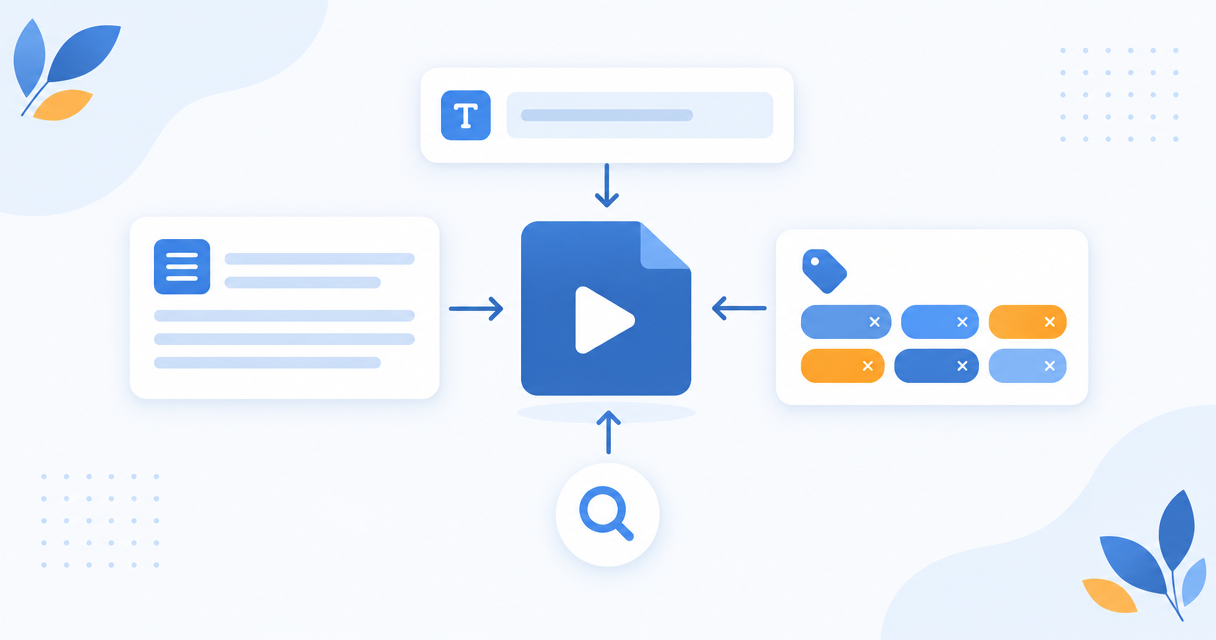
Titles decide the click, descriptions help discovery, and tags barely matter. Generate all three from the transcript rather than from memory.
The Short Version
Transcribe the video, then generate the metadata from the transcript rather than from a guess about the topic. You want several title options to choose between, a description with the real substance in the first two lines, and tags drawn from the language actually used in the video. Titles matter most, descriptions matter for discovery, and tags matter least of the three despite getting the most attention.
What Each Field Actually Does
Treating all three as equally important is the most common mistake, so it is worth being blunt about the hierarchy.
Titles decide whether anyone clicks. They are also the strongest single signal about what your video is about. This is where to spend your effort.
Descriptions do two jobs. The first two lines appear in the interface and affect the click. The rest is indexable text that helps the platform understand context and match your video to searches. It is also where your links and chapters live.
Tags are a minor signal. YouTube has said repeatedly that they help mainly with common misspellings of your topic. They are not a ranking lever, and stuffing forty of them does nothing. Fill them in, do not agonize.
Why Generate From the Transcript
Most metadata is written from memory. You finish editing, and write a title based on what you intended the video to be about.
The transcript is a record of what the video is actually about, including the tangent that turned out to be the most useful part. Metadata generated from the transcript picks up the specific phrasing, examples, and terms you genuinely used, which is closer to the language a viewer would search for.
It also catches the mismatch case. If the transcript does not support the title you were planning, the title is wrong, or the video is.
Step 1: Transcribe the Video
Upload and transcribe. You do not need timestamps for titles and tags, but you do need them if you also want chapters in the description, which you should.
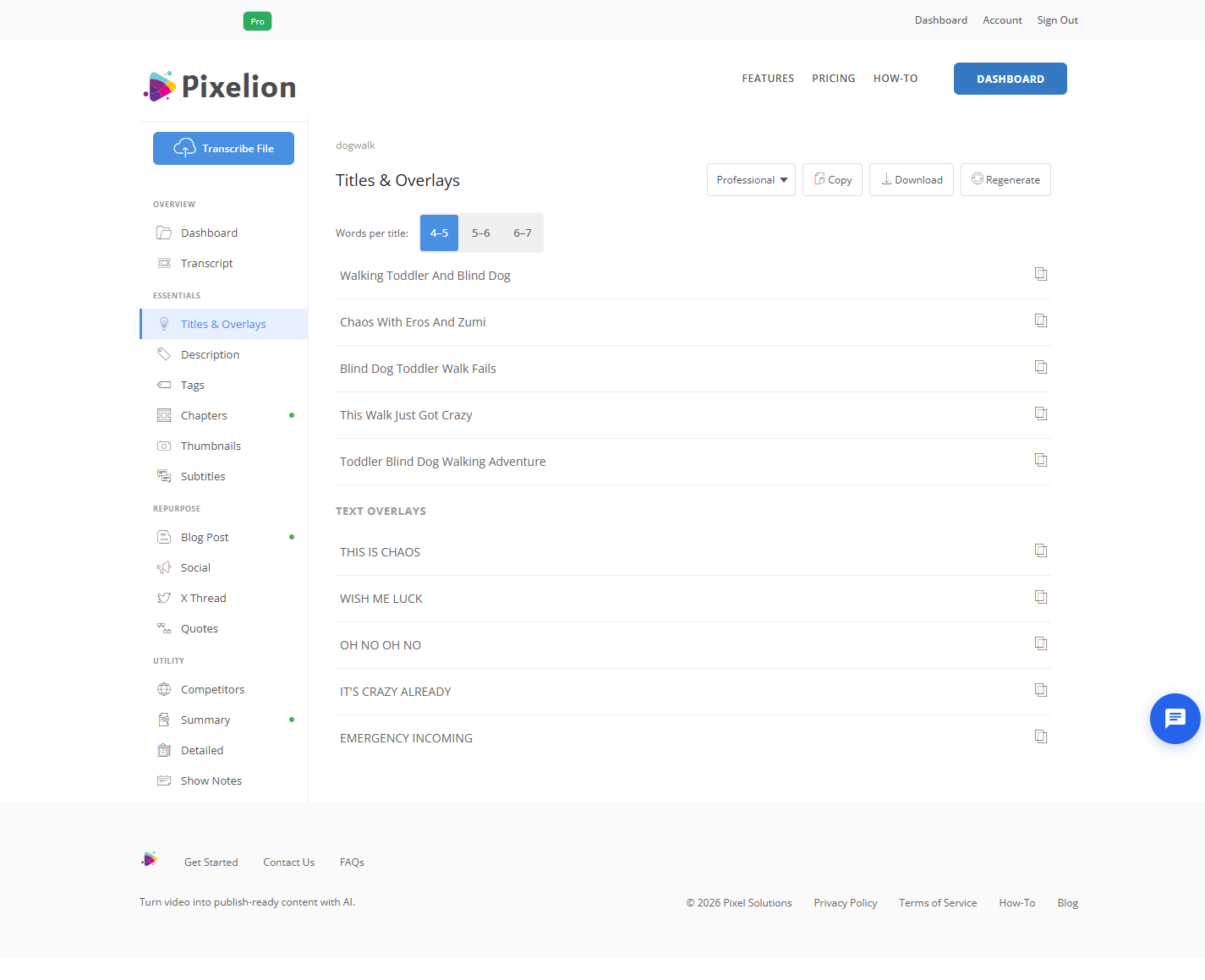
Step 2: Generate Several Titles, Not One
Ask for five to ten title options rather than one. Metadata is a selection problem, not a generation problem. Seeing ten framings of the same video tells you things about the video that you did not notice while making it.
What separates a good title from a bad one:
- Specific over general. "Why our deploy took 40 minutes" beats "Improving CI performance."
- Front-loaded. Titles truncate. The first 50 characters carry the weight.
- Matches the content. A title the video does not deliver on produces the click and then the drop-off, which is worse than no click.
- No manufactured urgency. Viewers recognize it, and it sets up disappointment.
Pick the one that is most specific and that the video actually earns.
Step 3: Write the Description in Two Parts
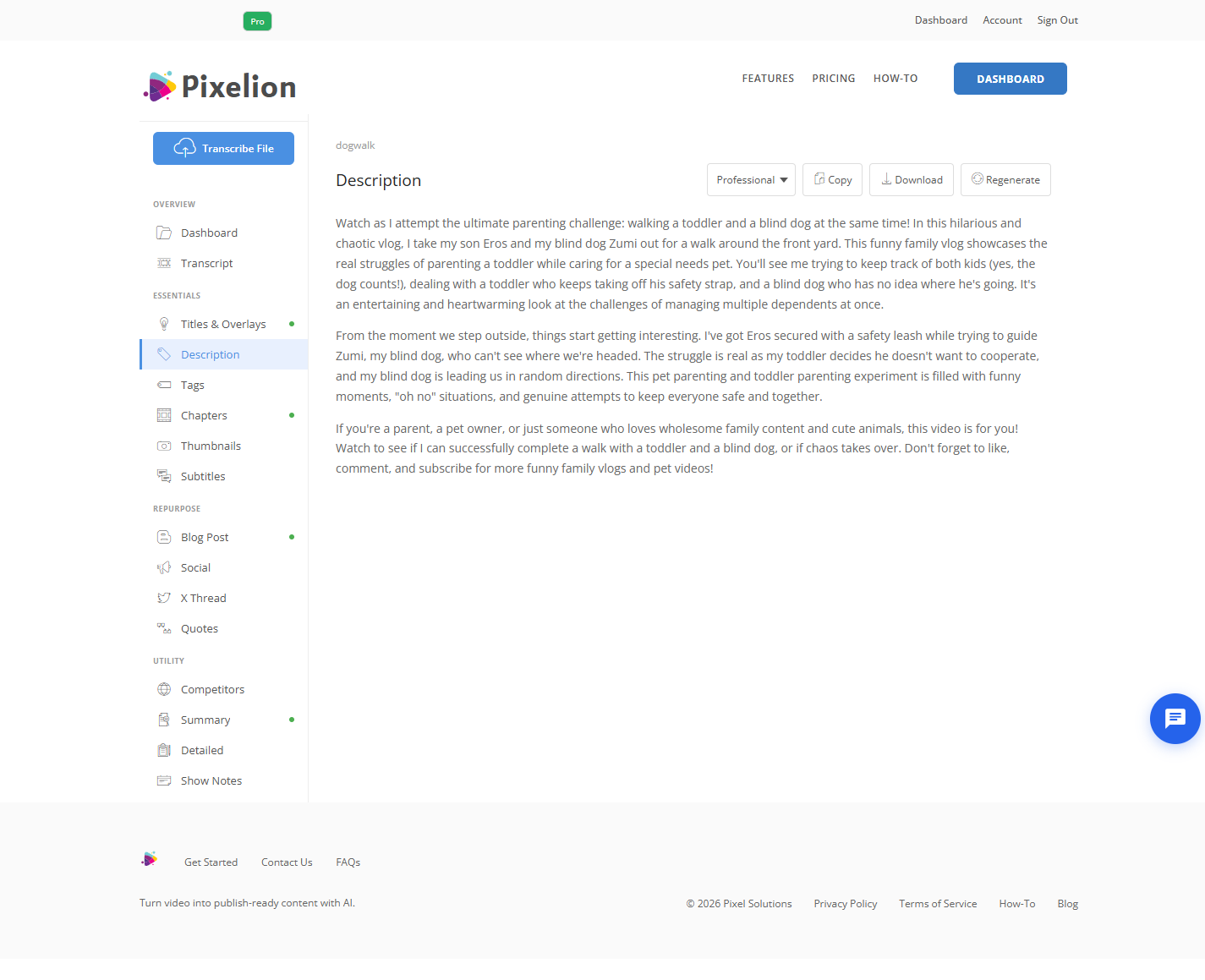
The first two lines. Visible before anyone expands anything. State what the video covers and who it is for. Do not open with "Hi everyone, welcome back to the channel." That line is worth real click-through and you are spending it on nothing.
Everything below. This is where the substance goes:
- A paragraph or two of genuine summary, in natural language
- Chapters with timestamps, which also give you jump links in search results
- Links to resources mentioned
- A link to the blog post version if you made one
Write the summary as prose. Keyword lists in the description read as spam to viewers and are not the signal they were ten years ago.
Step 4: Tags, Briefly
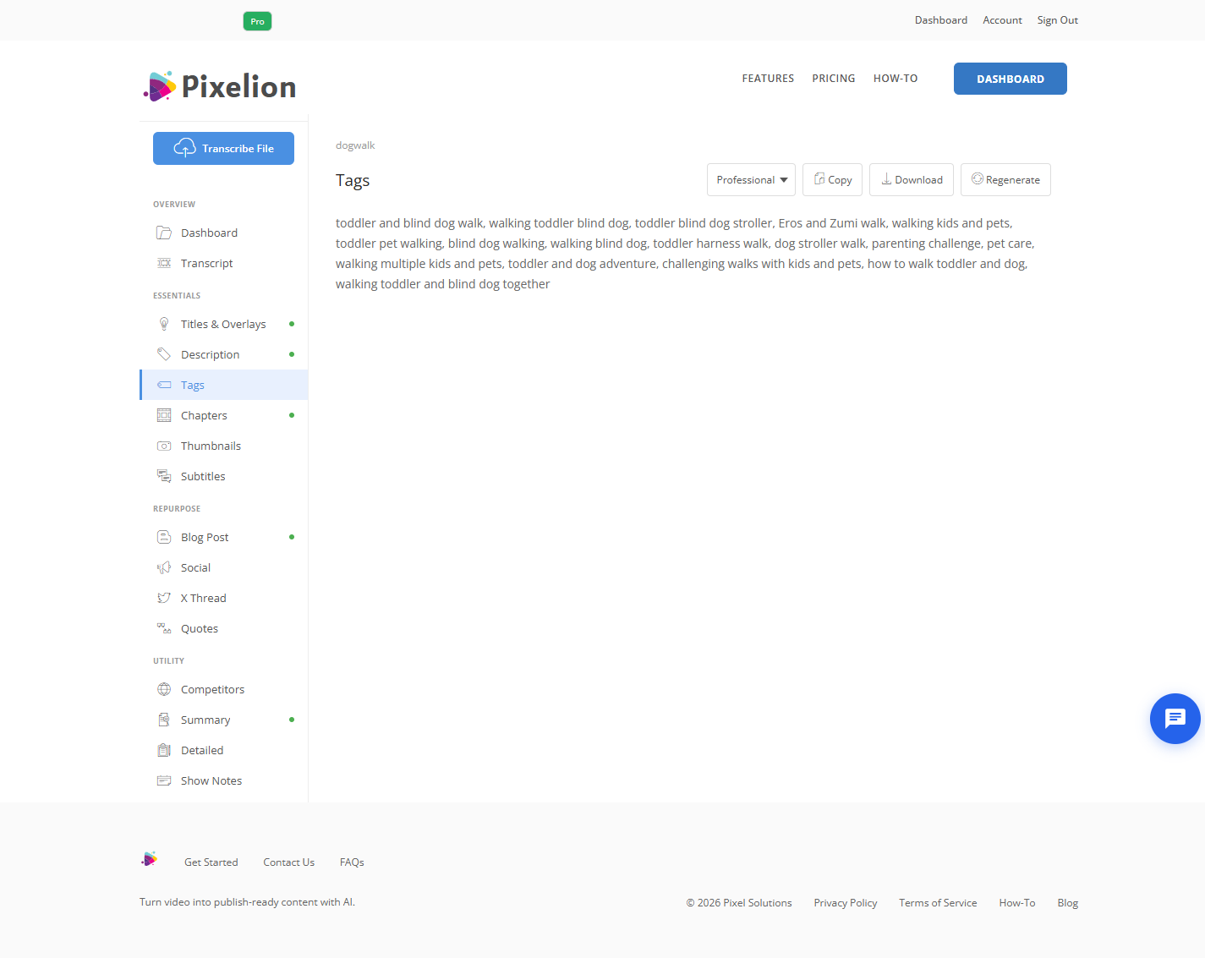
Pull ten to fifteen terms from the language in the transcript. Include the obvious topic terms, the specific tools or names discussed, and one or two likely misspellings of your main topic.
Do not copy competitors' tags wholesale, do not add forty tags, and do not spend more than a minute here. The return is small.
Step 5: Check Against the Thumbnail
Metadata and thumbnail are read together, in about a second. If your title and thumbnail say the same thing, you wasted one of them. The thumbnail should show the situation and the title should say what you learned, or the other way round. Redundancy between the two costs clicks.
Doing It in One Pass
Pixelion generates titles, descriptions, tags, hashtags, and chapters from the transcript of a single upload, along with thumbnail text suggestions. Because it all comes from the same transcript, the metadata is consistent with what the video actually says rather than with what you remember it saying.
What Good Output Looks Like
One title under about 60 characters that front-loads the specific claim. A description whose first two lines state the substance, followed by a real summary paragraph, timestamped chapters, and links. Ten to fifteen tags drawn from the transcript. Total human time after generation: about five minutes, nearly all of it spent choosing between title options.
Common Mistakes
Writing the title from intent rather than content. The video is about what you said, not what you planned to say.
Wasting the first description line. "Welcome back to the channel" is the single most expensive habit on the list.
Generating one title. You need options, because the value is in the comparison.
Over-investing in tags. A minor signal that absorbs a disproportionate amount of effort.
Keyword stuffing the description. Reads as spam, does not work, and viewers see it.
Title and thumbnail saying the same thing. Two slots, one message, one wasted.
Titles the video does not deliver. Earns the click, loses the retention, and retention is the metric that compounds.
Frequently Asked Questions
How long should a YouTube title be? Under about 60 characters so it does not truncate, with the important words first. Shorter and more specific generally beats longer and more descriptive.
Do YouTube tags still matter in 2026? Marginally. YouTube's own guidance is that tags mainly help with misspellings of your topic. Fill them in from your transcript and move on.
How long should the description be? Long enough to hold a real summary, chapters, and links. There is no minimum that helps, but the first two lines are the only part most viewers read.
Should I put chapters in the description? Yes. They improve navigation, affect watch time, and can surface as jump links in search results.
Can AI write metadata without watching the video? It works from the transcript, which is a record of everything said. It cannot see what was shown, so anything purely visual has to be added by you.