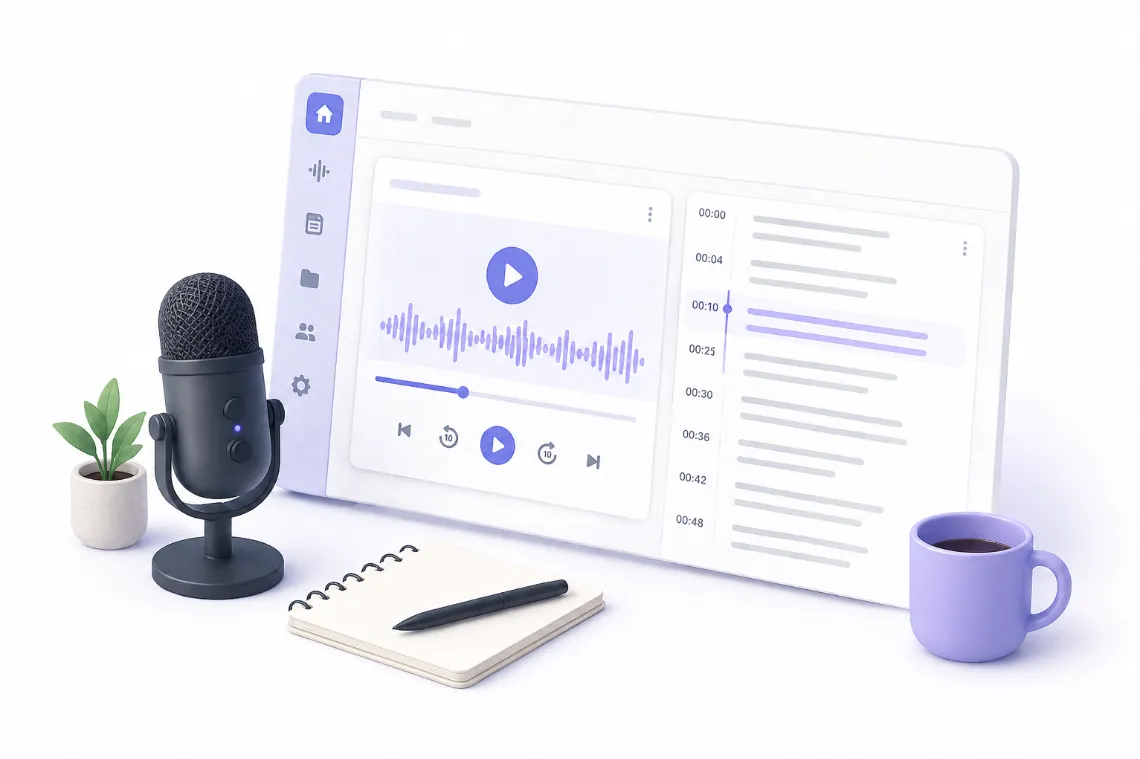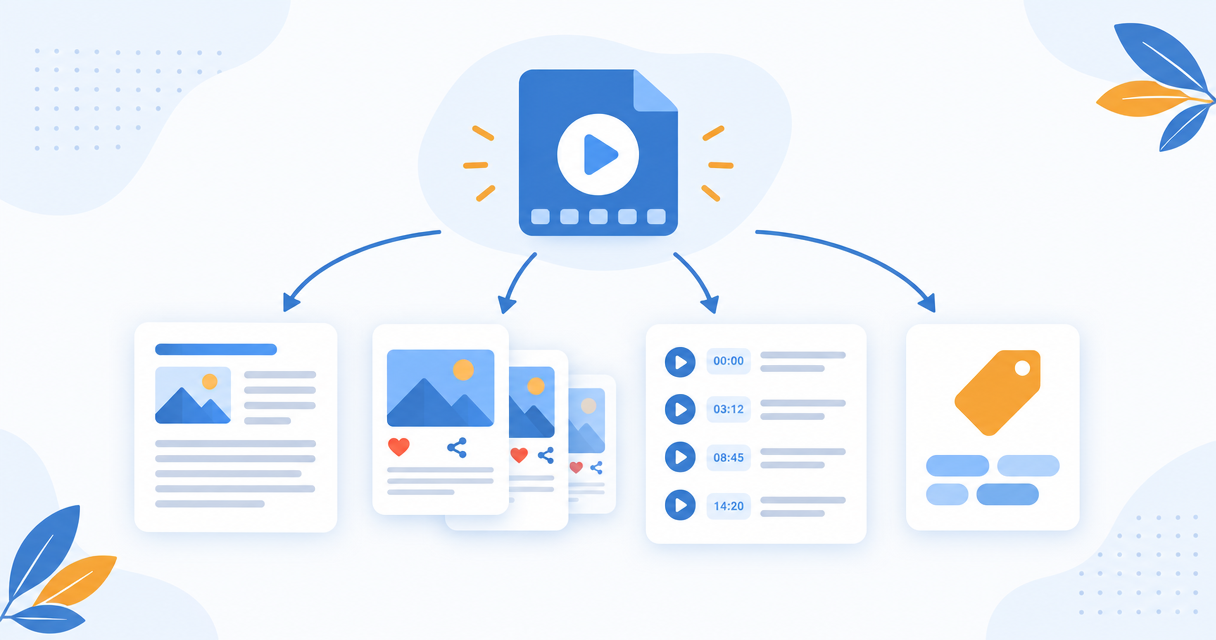
One video holds a blog post, a week of social posts, chapters, show notes, and a full set of SEO metadata. The complete workflow, stage by stage.
One recorded video contains enough material for a blog post, a week of social posts, a set of chapters, an episode of show notes, and a full set of SEO metadata. Most of that value never gets used, because extracting it by hand takes longer than making the video did.
This guide covers the whole workflow. Read it top to bottom for the complete process, or jump to the stage you need.
The Short Version
Turning a video into content is a three stage process. First you convert the speech into an accurate, timestamped transcript. Second you transform that transcript into the content formats you actually publish. Third you optimize those outputs for the platform they are going to.
The transcript is the pivot point. Everything downstream is generated from it, which is why accuracy at stage one determines quality at stage three.
Stage 1: Get an Accurate Transcript
Nothing downstream works if the transcript is wrong. A misheard product name propagates into your blog post, your social copy, your chapters, and your metadata all at once.
What matters at this stage:
- Accuracy on clear audio should be 95 percent or better.
- Timestamps must be word level or close to it, because chapters and quote cards depend on knowing exactly when something was said.
- Speaker changes should be visible if you are working with interviews or panels.
- Export formats matter later: TXT for writing, SRT and VTT for captions.
Guides for this stage:
- How to Convert Audio to Text Online for Free
- How to Generate SRT Subtitles from Video with AI
- How to Transcribe a Zoom Meeting Without Built-in Recording
- How to Auto-Translate Video Subtitles to Any Language with AI
- How to Translate Speech in Real Time on Windows with Pixelion Live
Stage 2: Turn the Transcript into Content
This is where most workflows break down. The common advice is to transcribe in one tool, then paste the transcript into ChatGPT with a prompt for each output you want. That works, but it means one manual prompt per asset, per video, forever.
A transcript is not content. It is a wall of spoken language with false starts, filler, and no structure. Turning it into something publishable means reorganizing it around ideas rather than chronology.
The outputs worth generating from a single transcript:
- Blog post. The highest value output, because it makes the ideas in your video searchable. Video is hard for search engines to parse. A written version is not.
- Social posts. Each platform wants a different length and tone from the same source material.
- Show notes. Standard for podcasts, and the main thing listeners scan before deciding to press play.
- Summary. Both a short version for skimmers and a detailed timestamped version that works as a companion piece.
Guides for this stage:
- How to Turn a YouTube Video into a Blog Post
- How to Turn One Video into a Week of Social Posts
- How to Write Podcast Show Notes Automatically
- How to Summarize a Long Video or Podcast Episode
Stage 3: Optimize for the Platform
Content that is published without platform metadata underperforms regardless of quality. Chapters change how long people watch. Titles and thumbnails decide whether they click at all.
- Chapters and timestamps break a long video into navigable sections. They also surface as jump links in search results.
- Titles, descriptions and tags are how the platform decides what your video is about and who to show it to.
- Quote cards turn the strongest lines from the video into standalone social assets.
- Thumbnails are the single biggest lever on click-through rate.
Guides for this stage:
- How to Write YouTube Titles, Descriptions and Tags with AI
- How to Generate YouTube Chapters and Timestamps Automatically
Doing All Three Stages in One Pass
The stage by stage approach above is how the work gets done manually. The reason it takes hours is that each stage uses a different tool, and the transcript has to be carried between them by hand.
Pixelion runs all three stages from a single upload. You upload the video or audio file once, get a timestamped transcript, and then generate the blog post, social posts, chapters, show notes, summaries, SEO metadata, quote cards, and thumbnails from that same transcript without re-uploading or re-prompting.
There is no video editing involved. Pixelion does not cut your video into clips. It produces the written and visual assets that go around the video.
Frequently Asked Questions
How long does it take to turn a video into a blog post? Transcription of a typical 20 minute video takes a few minutes. Generating a structured blog post from the transcript takes under a minute. Budget 10 to 15 minutes of your own time for editing, fact checking proper nouns, and adding your own insights.
Do I need to edit AI generated content before publishing? Yes. Treat the output as a strong first draft. The structure and coverage will be right, but you should verify names and numbers, adjust the tone to match your voice, and add anything the video implied but did not say.
Will republishing my video as a blog post create duplicate content? No. Spoken video and a written article are different media, and search engines do not treat a transcript-derived article as a duplicate of a video. Embedding the original video in the post is good practice and strengthens the page.
What is the best format to start from? Any file with clean audio. MP4 and MOV for video, MP3 and WAV for audio. Audio quality matters far more than video quality, because everything downstream is generated from the speech.
Can I do this with a video I did not create? You can transcribe and summarize for your own research and reference. Republishing someone else's content as your own blog post is a copyright problem, regardless of the tool used.