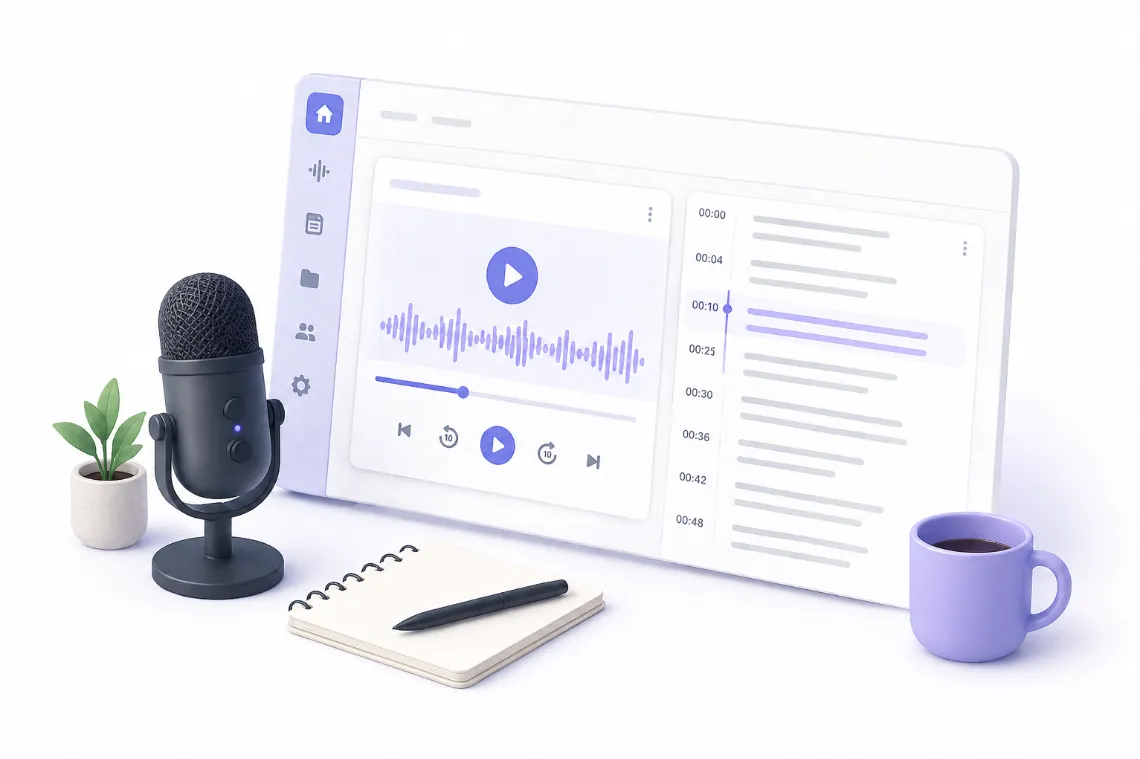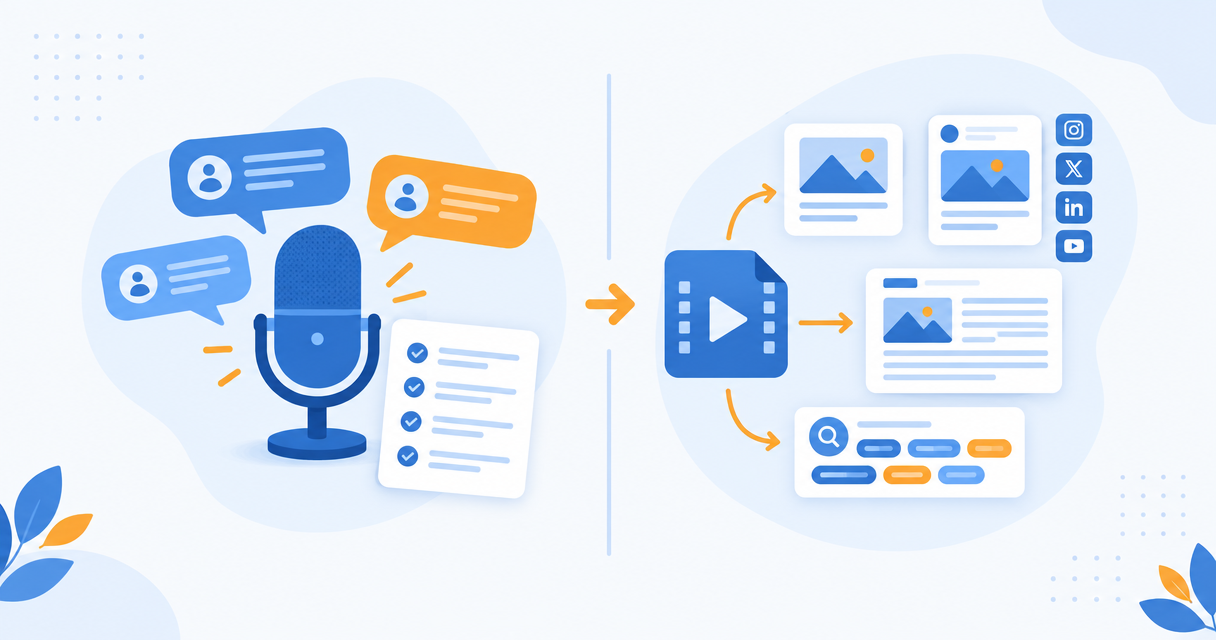
Otter captures meetings. Pixelion turns recordings into publishable content. The free tiers are identical and Pro matches on minutes, so the decision is about outputs.
Otter.ai and Pixelion both start by turning speech into text, and that is where the similarity ends. Otter is built around meetings. Pixelion is built around publishing. If you pick based on the transcription alone you will probably pick wrong, because the transcript is the cheap part for both of them.
The Short Answer
Choose Otter.ai if your recordings are meetings and the output you need is notes, action items, and a searchable record of what was decided.
Choose Pixelion if your recordings are videos or podcasts and the output you need is a blog post, social posts, chapters, show notes, and SEO metadata you can publish.
They are not really competitors. They are answers to different questions.
What Each One Is Built For
Otter.ai is a meeting assistant. Its defining feature is that it joins your calls. The Otter assistant sits in Zoom, Google Meet, and Microsoft Teams, captures the conversation live, identifies speakers, and produces notes with action items afterwards. The product is organized around conversations and participants.
Pixelion is a video-to-content engine. You upload a finished recording, get a timestamped transcript, and then generate publishable assets from that transcript: a structured blog post, platform-specific social posts, YouTube chapters, titles and descriptions and tags, thumbnails, quote cards, show notes, and summaries. The product is organized around outputs.
Pixelion also has a desktop app, Pixelion Live, which does real-time transcription and translation on Windows, including system audio capture. That overlaps with Otter's territory, but it is a recording tool rather than a meeting bot. It does not join calls as a participant.
Pricing
| Otter.ai | Pixelion | |
|---|---|---|
| Free | 300 min/month, 30 min per conversation, 3 lifetime file imports | 300 min/month, 30 min per file, 3 lifetime imports |
| No-signup tier | none | Guest: 30 min per file, 2 lifetime imports, no account |
| Entry paid | Pro, $16.99/month monthly or $8.33/month billed annually ($99.99/year), 1,200 min/month, 90 min per conversation | Pro, $19.99/month, 1,200 min/month, 120 min per file, 30 imports/month |
| Higher tier | Business, $30/user/month monthly or $19.99/user/month annually, unlimited meeting transcription, up to 6,000 imported minutes/user/month, 4 hr per conversation | Hero, $99/month, unlimited |
| Trial | Free tier acts as the trial | 24-hour trial on Pro and Hero, card required |
The free tiers are effectively identical: 300 minutes a month, a 30 minute cap per item, three lifetime imports. The entry paid tiers also land in the same place on minutes, both at 1,200 a month.
Otter is cheaper if you pay annually, at $8.33 a month against Pixelion's $19.99. On transcription minutes alone, Otter wins on price. The question is whether transcription minutes are what you are buying.
What You Get From Those Minutes
This is the actual decision.
Otter converts 1,200 minutes of meetings into transcripts, summaries, and action items. That is genuinely valuable if you are trying to remember what was agreed in a call three weeks ago.
Pixelion converts 1,200 minutes of recordings into transcripts plus a set of publishable assets per upload. From one video you get the blog post, the five platform-specific social posts, the chapter list, the title and description and tag options, the thumbnails, and the show notes.
If you are a creator, Otter gives you a transcript and then you still have all the writing to do. If you are running standups, Pixelion gives you content generation you will never use.
Where Each One Is Clearly Better
Otter.ai is better for:
- Meetings, because the assistant joins the call and you do not have to record anything yourself
- Speaker identification in multi-person conversations, which is mature and reliable
- Action items and decisions, which is a genuinely different summarization target than editorial summary
- Teams, because Business pricing is per seat with shared workspaces
- Price, if all you need is accurate meeting transcription
Pixelion is better for:
- Publishing, because the outputs are formats you can post rather than notes you read
- Creators and marketers working from finished video and audio
- Getting multiple assets from one upload without re-prompting or moving text between tools
- Subtitle work, with SRT and VTT export and subtitle translation
- Real-time system audio capture on Windows via Pixelion Live
What Neither One Does
Neither product edits video. Neither cuts your footage into vertical clips or Shorts. If that is what you need, both are the wrong category and you want something like OpusClip or a real editor.
Otter does not generate publish-ready content. It summarizes, but an Otter summary is a record of a conversation, not an article.
Pixelion does not join meetings. If you want a bot in your Zoom call, Pixelion Live requires you to be recording on your own machine instead.
Honest Caveats
Otter's per-conversation caps are tighter than the minute pools suggest. Pro caps each conversation at 90 minutes, so a two hour workshop does not fit in a single item. Pixelion's Pro per-file cap is 120 minutes, which covers most recordings but not a long conference session.
Both meter minutes monthly. Neither is unlimited at the entry tier, and comparisons that imply otherwise are wrong. Pixelion's Hero tier at $99 is the unlimited option; Otter's equivalent is Business, which removes the meeting minute cap but still caps imported file minutes.
Otter's free tier limits you to three file imports for the lifetime of the account, not per month. Pixelion's free tier does the same. If your workflow is uploading existing files rather than recording live, both free tiers run out permanently and fast.
Can You Use Both
Reasonably, yes, and some people should. Otter for internal meetings, Pixelion for the content you publish. They do not overlap enough to be redundant, and neither replaces the other's core job.
The Decision
Ask what you do with the transcript.
If the answer is read it, search it, or remind yourself what was decided, that is Otter.
If the answer is turn it into something other people will read, that is Pixelion.
Frequently Asked Questions
Is Pixelion an Otter.ai alternative? Only partly. It replaces Otter for transcribing recordings you already have, and goes considerably further by generating publishable content. It does not replace Otter's meeting assistant, which joins calls automatically.
Which is more accurate? Both are strong on clear audio. Otter has the edge on multi-speaker meeting audio because speaker separation is its core problem. Accuracy differences on single-speaker recordings are not the deciding factor between them.
Does Otter.ai write blog posts or social media posts? No. It produces transcripts, summaries, and action items. Turning those into published content is manual work you do elsewhere.
Is Otter.ai cheaper than Pixelion? At the entry paid tier, yes, especially billed annually: $8.33 a month against $19.99. Both give 1,200 minutes. The difference in price reflects the difference in what is generated from those minutes.
Can Pixelion transcribe a Zoom meeting? Yes, by recording it with Pixelion Live on Windows and capturing system audio, or by uploading a recording afterwards. It does not join the call as a bot.