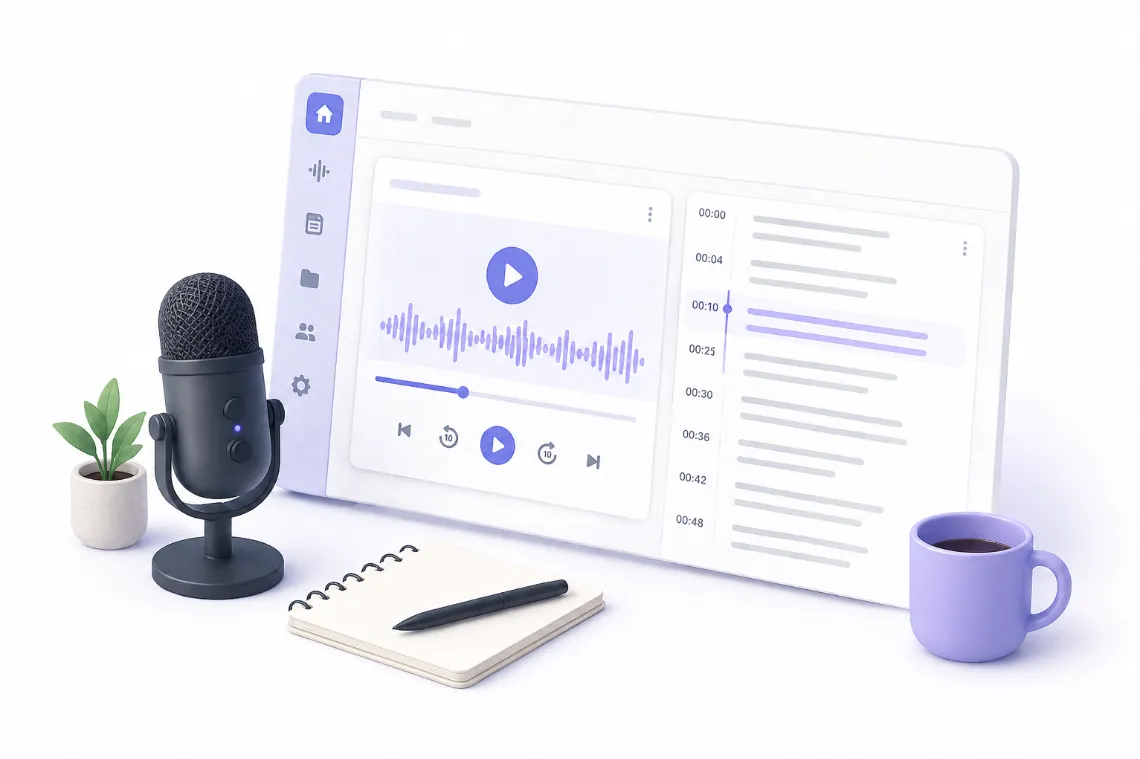
Show notes do two unrelated jobs: convincing someone to press play, and being the only text version of your episode that search engines can read.
The Short Version
Transcribe the episode, then generate three things from that transcript: a short episode description, a timestamped topic breakdown, and a list of the links and names mentioned. Those three pieces are what show notes actually are. Generating them takes minutes. Verifying the names and links is the part you cannot automate, and it is the part that matters most.
What Show Notes Are For
Show notes do two jobs that have almost nothing to do with each other.
The first is conversion. A listener deciding whether to press play scans your notes. If the description is vague, they move on. This job needs a tight, specific summary near the top.
The second is search. Podcast audio is invisible to search engines. Your show notes are the only text version of the episode that exists, which makes them the reason anyone finds the episode from a search at all. This job needs the topic breakdown and the named entities written out in full.
Notes that only do the first job cost you discovery. Notes that only do the second read like a transcript and convert nobody.
What Good Show Notes Contain
- A one or two sentence description. Specific, not "in this episode we discuss marketing."
- A guest introduction if there is one, with their actual credentials.
- Timestamped topics. Where each subject starts, so listeners can skip to what they came for.
- Every link and resource mentioned. Books, tools, studies, previous episodes.
- Names spelled correctly. People, companies, products.
- Two or three pull quotes. The lines worth reading on their own.
Step 1: Transcribe the Episode
Upload the audio and get a timestamped transcript. Timestamps are not optional here, because the topic breakdown is built directly from them. A transcript without timestamps forces you to scrub the audio manually to find where each section starts, which is most of the work you were trying to avoid.
For interview episodes, speaker labels are worth having. Distinguishing your question from your guest's answer changes how the summary reads.
Step 2: Generate the Description and Topic Breakdown
From the transcript, produce the short description and the timestamped topics. The topic breakdown is essentially chapters: find where the conversation genuinely changes subject, and label each section by what it covers.
The quality test on topic labels is whether someone would click them. "Section 2" is useless. "Why he stopped hiring senior engineers" is not.
Step 3: Extract the Mentions
Go through the transcript and pull out every book, tool, person, company, and previous episode referenced. This is the highest value and most error-prone part.
High value, because a listener who hears a book recommendation while driving will come looking for it in your notes, and if it is missing they will not find it.
Error-prone, because proper nouns are exactly where transcription accuracy drops. An author's name misheard by one syllable becomes an unfindable link.
Step 4: Verify Everything You Cannot Generate
This is the step to not skip. Check in this order:
Names. Guest name, their company, everyone mentioned in passing. Misspelling a guest's name in the notes for their own episode is the worst available outcome.
Links. Find the real URL for every resource mentioned. Generated notes can tell you a book was recommended. They cannot reliably give you the correct link to it.
Numbers and claims. If your guest cited a statistic, make sure it survived transcription intact.
Timestamps. Spot check two or three against the audio. If your transcript timestamps drift, every chapter is wrong.
Step 5: Publish in Both Places
Show notes belong in your podcast host's episode description and on your own site. The host reaches listeners inside the apps. Your own page is the one that accumulates search value and that you actually control.
If you publish on your own site, the full transcript is worth including below the notes. It costs nothing and turns a single episode into a substantial indexable page.
Doing It in One Pass
Pixelion generates show notes, a timestamped summary, chapters, and pull quotes from one upload of the episode audio. The same transcript also produces a blog post version of the episode and social posts, which covers most of what a podcast episode needs after recording.
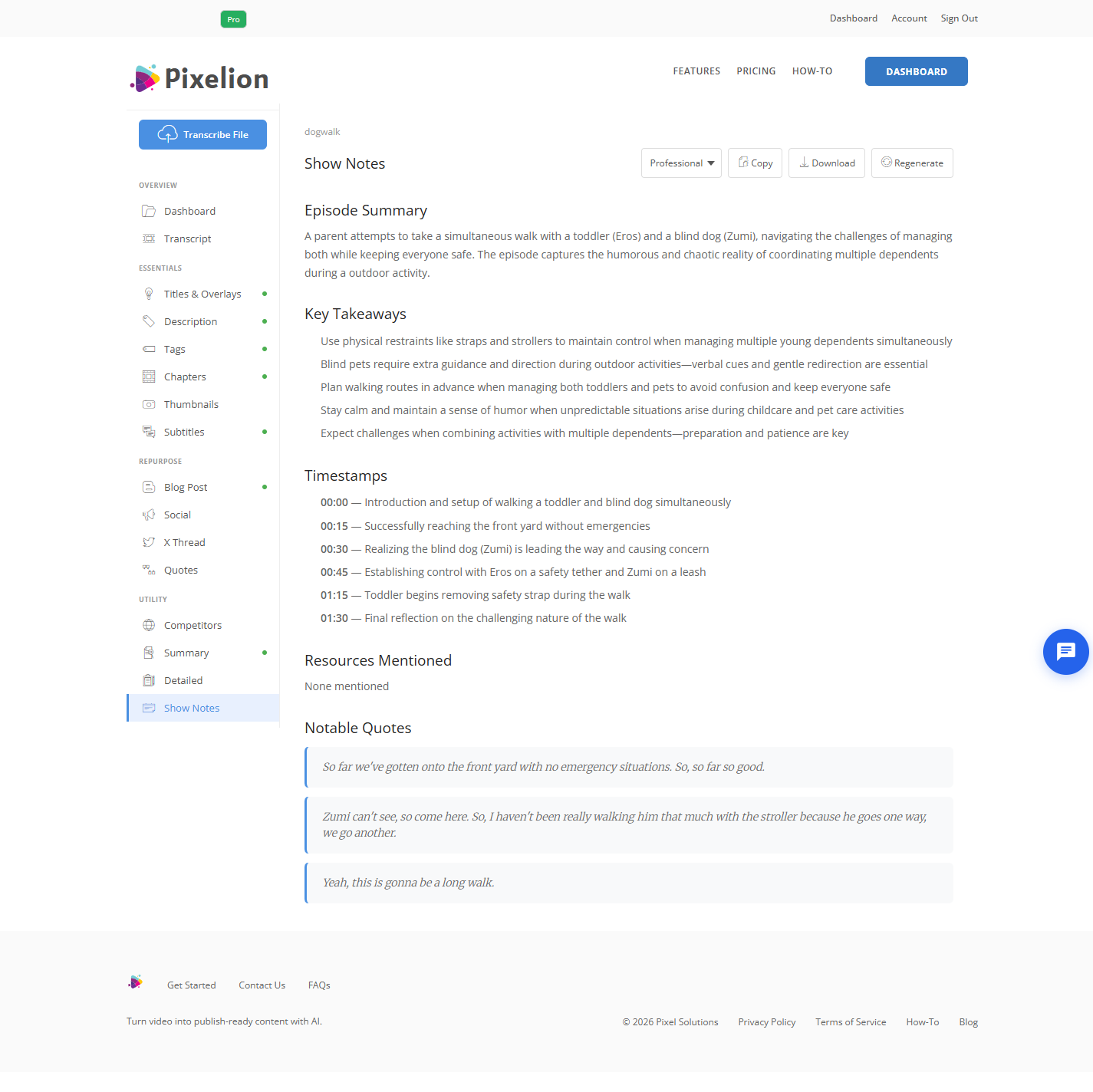
You still verify the names and links. Nothing automates that honestly.
What Good Output Looks Like
For a 45 minute interview: a two sentence description, a guest intro of two or three lines, six to ten timestamped topics with labels someone would click, every mentioned resource linked, and two or three pull quotes. Roughly 300 to 500 words, plus the full transcript underneath if you are publishing to your own site.
Common Mistakes
Publishing the summary as the notes. A summary is one component. Without timestamps and links it is half the job.
Vague topic labels. "Intro", "Main discussion", "Wrap up" help nobody and get no clicks.
Skipping the link extraction. The single most useful part of show notes for a listener, and the most commonly omitted.
Trusting generated proper nouns. Names and titles are where transcription errors concentrate. Always verify.
Only publishing to the host. The host's page builds the host's search value. Your site builds yours.
Notes that are longer than they are useful. A full transcript dumped in the description field is not show notes.
Frequently Asked Questions
Can show notes be fully automated? The description, topic breakdown, and pull quotes can be. The links and the spelling of names cannot be verified automatically, and those are what listeners actually come to the notes for.
How long should podcast show notes be? 300 to 500 words for the notes themselves. Adding the full transcript below them on your own site is separate and worth doing.
Do show notes help podcast SEO? They are essentially the whole of it. Audio is not indexable. Your show notes and transcript are the only text a search engine has to work with.
Should I include the full transcript? On your own site, yes. In the host's description field, no, it is too long and buries the parts that convert.
What about episodes with no guest? Same structure, minus the guest introduction. Solo episodes often need better topic breakdowns, because there is no conversational structure to guide the listener.