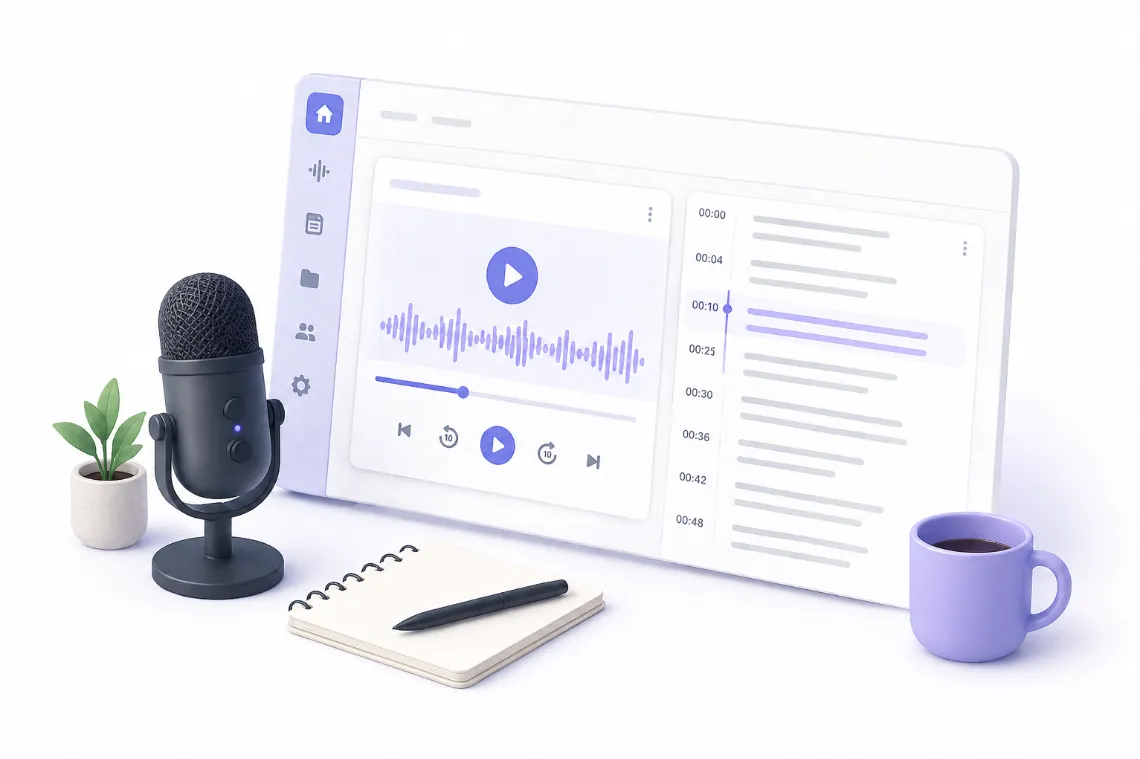
Generate two summaries, not one. A short one decides whether the content is worth someone's time. A detailed timestamped one gets them to the part they need.
The Short Version
Transcribe the recording, then generate two summaries rather than one. A short summary of a few sentences answers whether the content is worth someone's time. A detailed timestamped summary lets them go straight to the part they need. They serve different readers and neither substitutes for the other.
Two Summaries, Two Jobs
Most tools give you one summary, which is why most summaries disappoint. The reader who wants a paragraph and the reader who wants a structured breakdown are not the same person.
The short summary is a filtering device. Three to five sentences. Its only job is to let someone decide whether to engage with the full thing. It should state the subject, the main conclusion, and who the content is for.
The detailed summary is a navigation device. It covers each section in order, with timestamps, so someone who has decided the content is relevant can jump to the twelve minutes they care about in an hour long recording.
If you only produce one, produce the short one. It gets used more.
Step 1: Transcribe First
Summaries are generated from the transcript, so the transcript determines the ceiling. On a long recording two things matter more than usual.
Timestamp accuracy. The detailed summary is worthless if the timestamps drift. On a 90 minute file, small drift compounds badly.
Handling of the full length. Long recordings exceed what a model can read at once, so they get processed in segments. Done well, the summary reflects the whole recording. Done badly, it over-weights the beginning and thins out toward the end, which is a recognizable failure mode. Check whether the last third of your recording is represented before trusting the output.
Step 2: Generate the Short Summary
Three to five sentences covering the subject, the conclusion, and the audience.
A good short summary is falsifiable. "This episode discusses hiring practices" tells you nothing and could describe a thousand episodes. "Argues that technical interviews select for interview practice rather than engineering ability, based on three years of hiring data at a 40 person company" tells you whether to keep reading.
If your short summary would fit any other recording on the same topic, it is too vague.
Step 3: Generate the Detailed Summary
Section by section, in the order the recording covers them, each with a timestamp.
This is not the transcript condensed at a fixed ratio. It is a breakdown by topic. The right structure follows where the subject genuinely changes, which means sections will be uneven. A 40 minute recording might have one section covering 18 minutes and four covering the rest. That is correct, and evenly sized sections are usually a sign the tool split by duration rather than by content.
Step 4: Check It Against the Recording
Summaries fail quietly. They read fluently while being wrong, which is more dangerous than an obvious error. Three checks, in order:
Is the conclusion right? Read the short summary, then check what you actually concluded. Summaries commonly flatten a qualified position into an unqualified one. If you said something works in specific circumstances and the summary says it works, that is a meaningful distortion.
Is the last third represented? Open the detailed summary and look at the final sections. If they are noticeably thinner than the early ones, the recording was not processed evenly.
Do two timestamps check out? Pick two at random and confirm the audio matches. If they are right, the rest are probably fine. If they are off, the whole breakdown is unusable.
Step 5: Use Them
Both summaries have places to go beyond your own reference:
- Short summary as the episode or video description
- Detailed summary as show notes or as chapters
- Short summary as the opening paragraph of the blog post version
- Detailed summary as the skeleton for that blog post, since the sections are already identified
The detailed summary is the most reusable artifact in the whole workflow. It is effectively an outline of your own content.
Doing It in One Pass
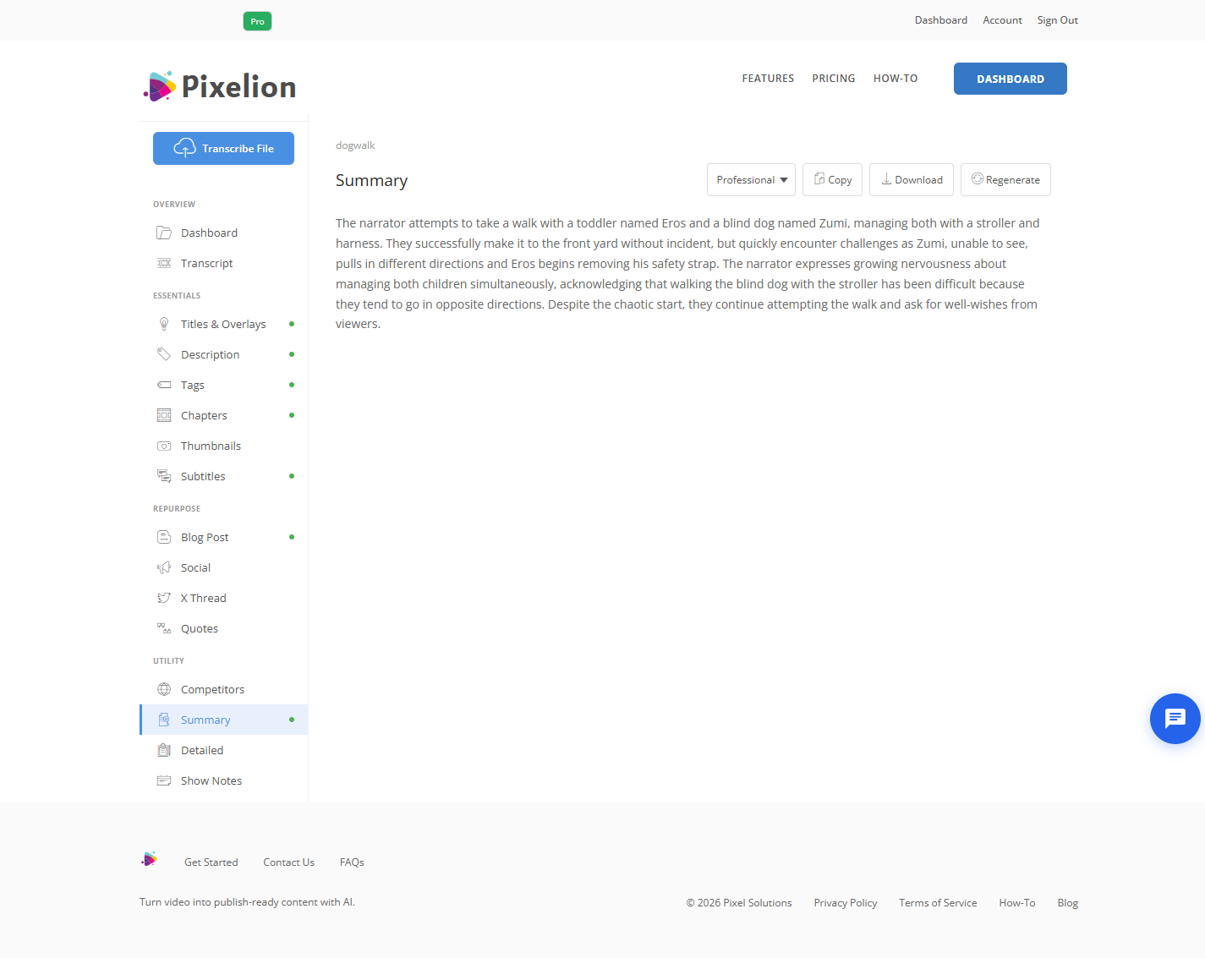
Pixelion produces both a short summary and a detailed timestamped summary from one upload, and handles long files by segmenting them rather than truncating. The same transcript also produces chapters, show notes, a blog post, and social posts, so the summary is a by-product of work you were doing anyway.
What Good Output Looks Like
For a 60 minute recording: a short summary of three to five specific sentences, and a detailed summary of six to twelve unevenly sized timestamped sections that between them account for the full hour. Someone who reads only the short summary should be able to decide correctly whether to listen.
Common Mistakes
Producing only one summary. The filtering reader and the navigating reader need different things.
Vague short summaries. If it could describe any recording on the topic, it has no function.
Trusting evenly sized sections. Real topic boundaries are uneven. Even ones suggest the tool split by duration.
Not checking the end. Long-file summaries degrade toward the end, and it is easy to miss because the beginning reads well.
Letting a qualified claim become unqualified. The most common substantive distortion, and the one that can misrepresent you.
Confusing a summary with a transcript. Condensing every sentence by half is not summarizing, it is compression.
Frequently Asked Questions
How long should a summary be? Three to five sentences for the short version. The detailed version scales with the recording, roughly one section per genuine topic change, typically six to twelve for an hour.
Can AI summarize a two hour recording accurately? Yes, if it processes the file in overlapping segments rather than truncating it. Verify by checking whether the final third is represented as thoroughly as the first.
What is the difference between a summary and chapters? Chapters are navigation labels with timestamps, designed to be pasted into YouTube. A detailed summary explains what each section says. They come from the same analysis but serve different purposes.
Will a summary capture visual content? No. Summaries are generated from speech. Anything demonstrated on screen without being described out loud will be missing, and you have to add it.
Is it accurate enough to rely on without listening? For deciding whether to engage, yes. For quoting or making decisions on, verify the specific passage in the recording. Summaries flatten nuance even when they get the substance right.